▣
Pose boards
Create a reference board for each look. Capture body stance, weight shift, shoulder line, and every pose cue in one organized workspace.
Portrait photographers
Plan every cue on your board — body, hands, head, gaze, lens, and light — then match it beside live camera on set.
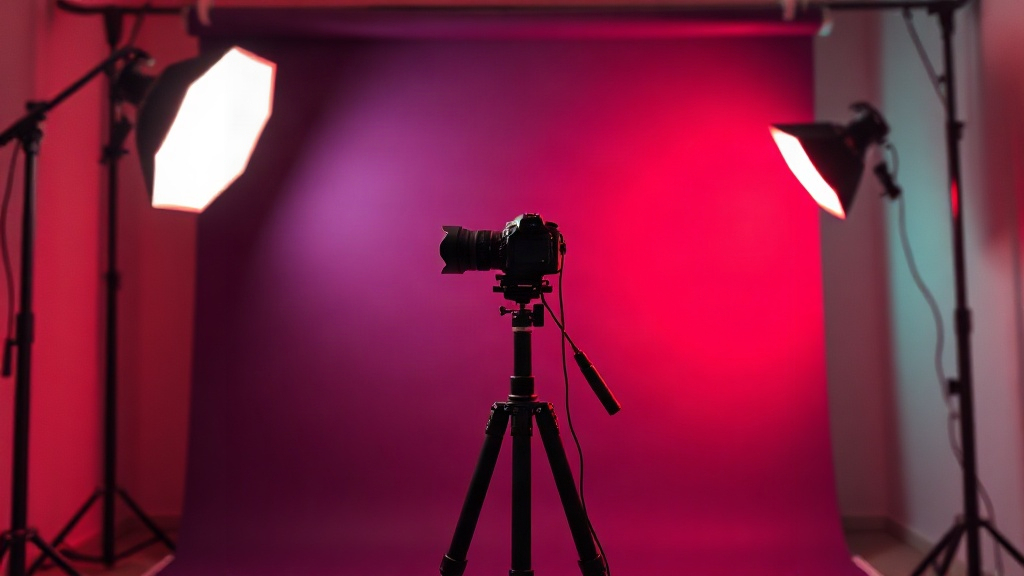
Document the pose you planned — not generated poses, but your custom references for real portrait sessions.
Create a reference board for each look. Capture body stance, weight shift, shoulder line, and every pose cue in one organized workspace.
Browse stance presets and gesture guides for hands, head tilt, and gaze direction. Apply patterns to any board in seconds.
Document camera height, aperture notes, and lighting patterns such as Rembrandt, Butterfly, and Split beside your pose plan.
On set, open Shoot to see live camera preview with your reference board below. Collapse the panel or switch boards mid-session.
Pre-loaded sample boards let you explore every tab on day one — from planning in the studio to matching the shot on location.
PoseFrame is not a pose generator. It is your custom reference library for real portrait sessions and headshot work.
Boards, stance presets, gesture guides, lens notes, lighting patterns, and Shoot mode — all in one coral-mint studio palette.
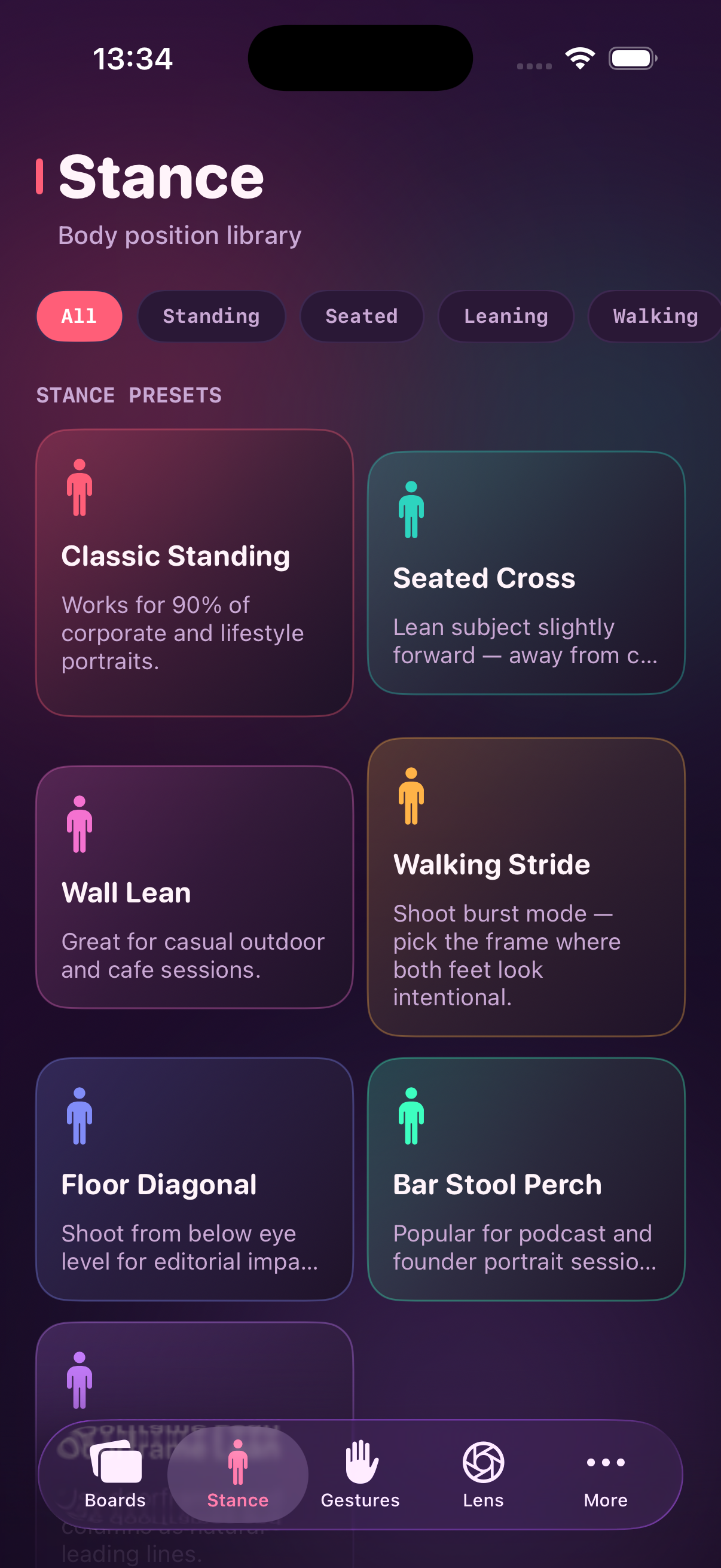
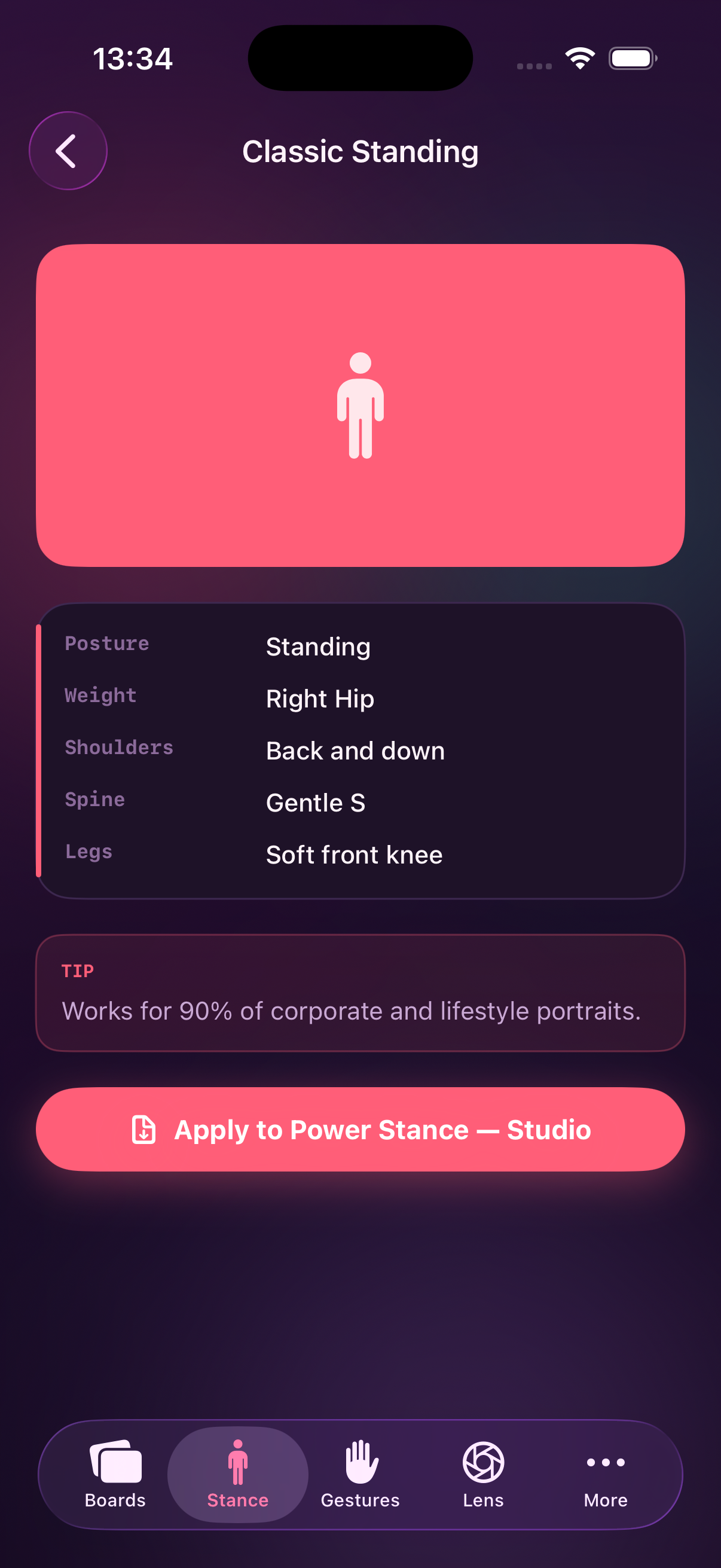
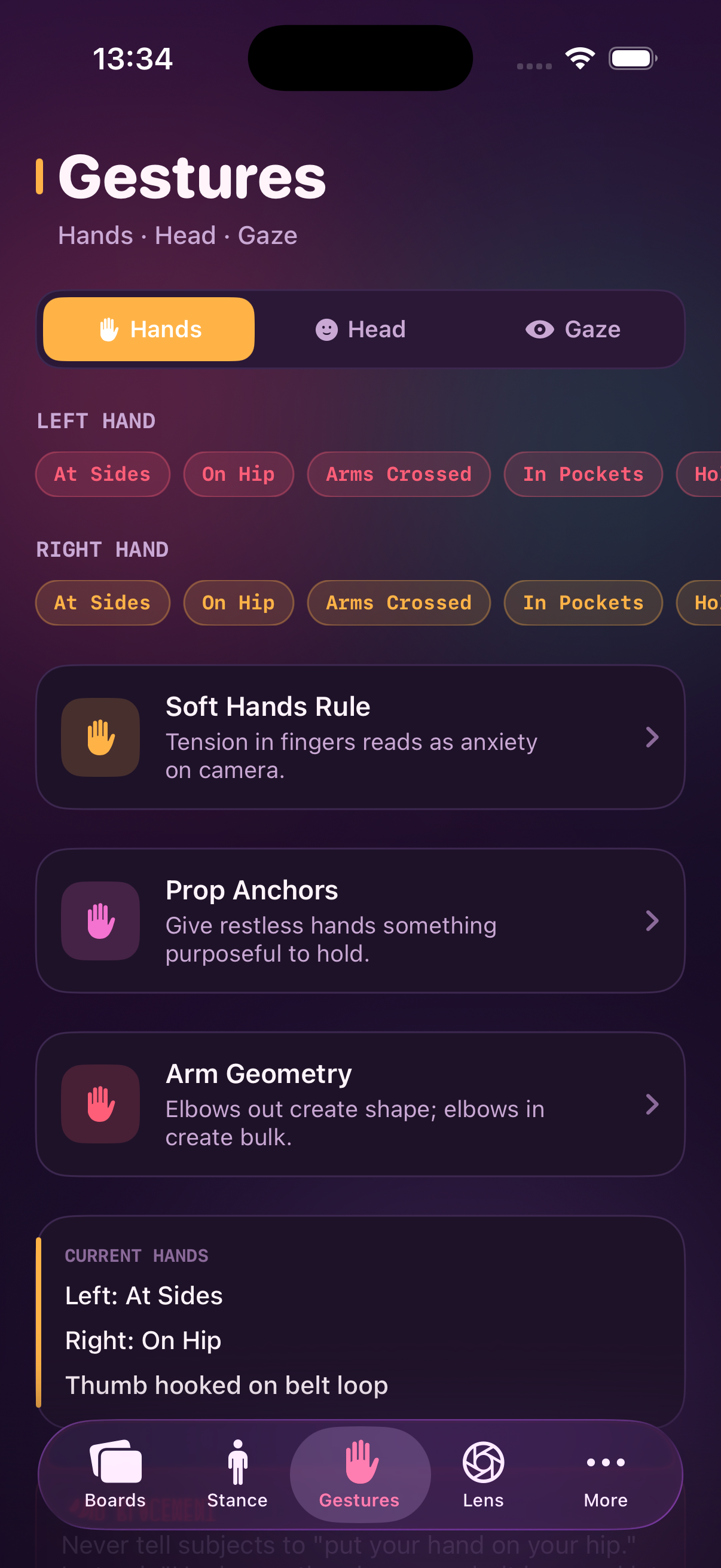
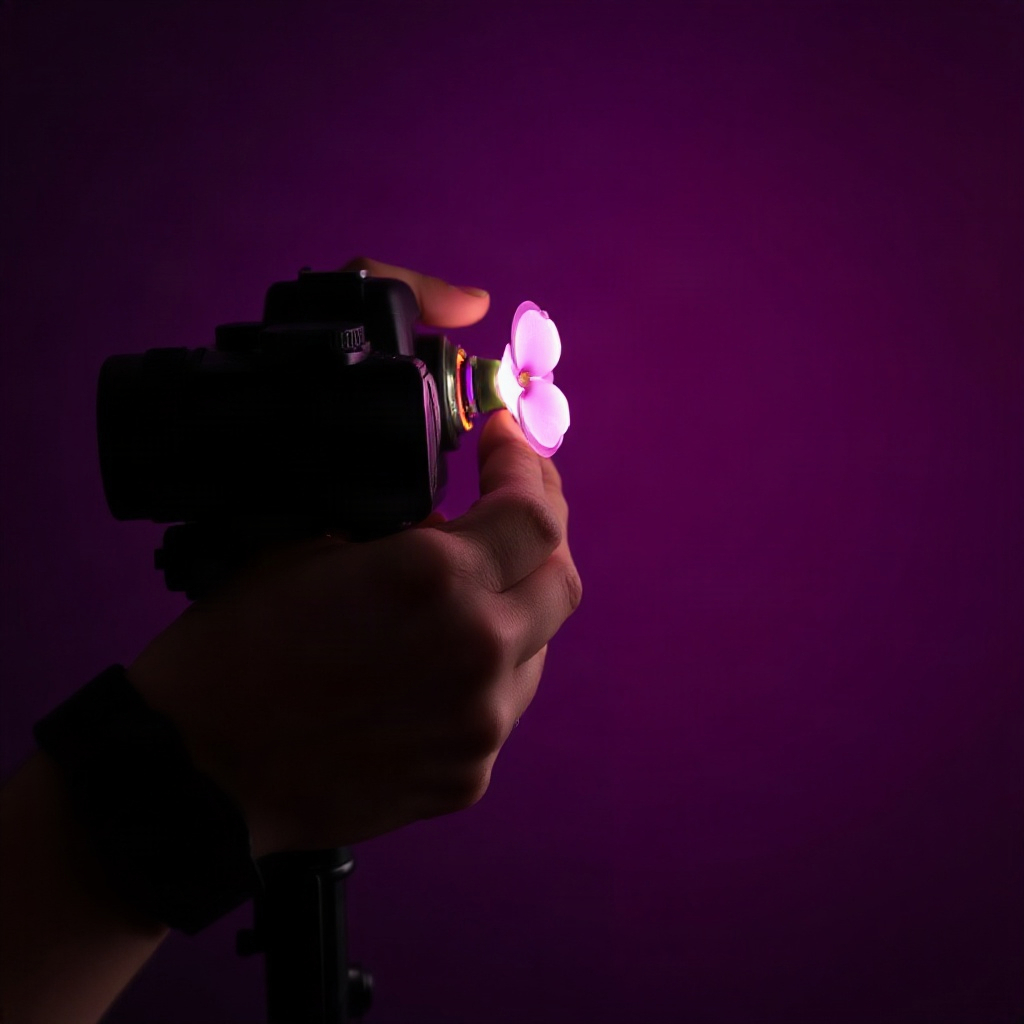
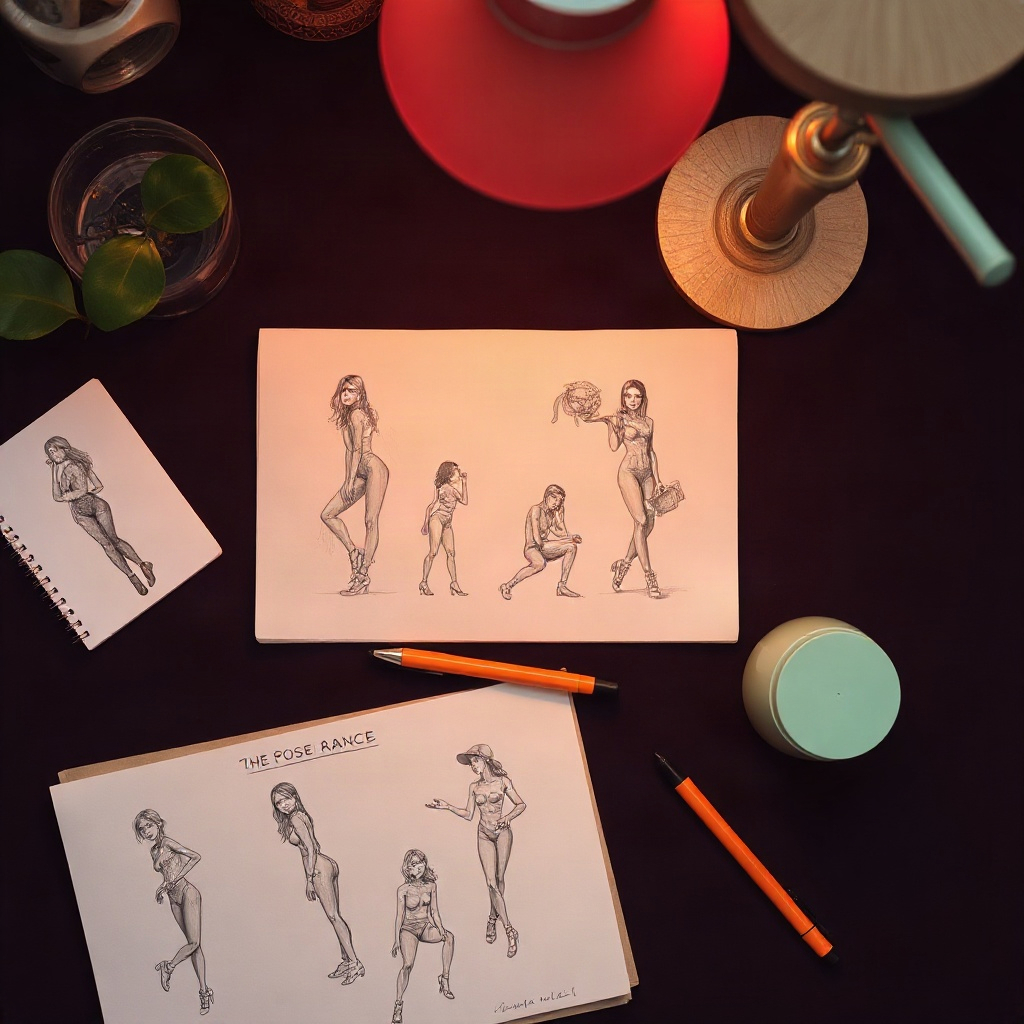
PoseFrame helps you plan portrait sessions with the same care you bring on set. Build boards that capture body stance, hand placement, head tilt, gaze direction, lens settings, and lighting cues — then open Shoot mode to keep your reference beside the live camera feed.
Whether you work in a studio or on location, PoseFrame keeps your pose plan organized across six dedicated tabs: Boards, Stance, Gestures, Lens, Light, and Shoot.
Last updated: September 2, 2026
PoseFrame is developed by Andy Rascano. This policy explains how the app handles information when you use PoseFrame on your device.
PoseFrame stores pose boards, stance presets, gesture notes, lens settings, lighting cues, and studio preferences locally on your device. The app does not require an account and does not transmit your boards or photos to our servers.
Shoot mode uses your device camera to show a live preview beside your reference board. Camera frames are processed on device for preview only and are not uploaded by PoseFrame.
PoseFrame does not include third-party analytics or advertising SDKs. Standard Apple system services may apply as described in Apple's privacy documentation.
PoseFrame is not directed at children under 13. We do not knowingly collect personal information from children.
We may update this policy from time to time. Continued use of the app after changes means you accept the updated policy.
Questions about privacy: andyrascano@gmail.com
Need help with PoseFrame? We are happy to assist with boards, Shoot mode, stance presets, or general questions about using the app.
Complete the onboarding walkthrough to name your studio and explore sample boards. Each tab — Boards, Stance, Gestures, Lens, Light, and Shoot — covers one part of your pose reference workflow.
Grant camera permission when prompted. Open Shoot, select a board, and use the collapsible reference panel to match body, hands, head, gaze, lens, and light cues while framing your shot.
PoseFrame requires iOS 16 or later. Camera access is required for Shoot mode. All boards and preferences are stored on your device.
Email: andyrascano@gmail.com
We aim to respond within two business days.